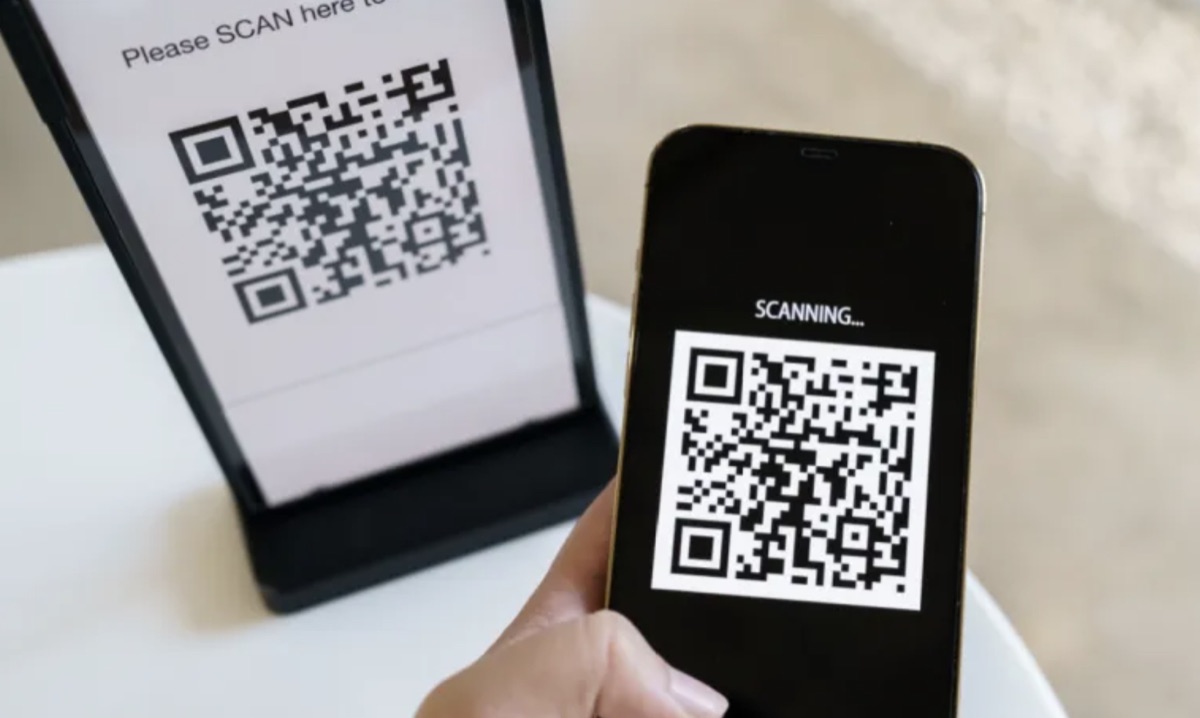
The Rise of 'Quishing': Why Reno Businesses are Scanning into Danger
As we move further into 2026, a new threat has taken center stage in the Northern Nevada business community: Quishing.
While your email filters are great at catching suspicious links, they often struggle to “read” images. Hackers are exploiting this gap by sending QR codes that lead to credential-stealing websites.
What is Quishing?
“Quishing” is simply phishing via QR codes. Instead of a blue underlined link, the attacker embeds a malicious URL into a QR code.
Why it works:
- Bypasses Filters: Most secure email gateways scan text links, but many don’t analyze the destination of a QR code inside an image attachment.
- Device Shifting: Scanning a code moves the employee from a protected corporate laptop to a personal mobile device, which often lacks the same level of security software.
A Recent Example: The “Benefit Enrollment” Scam
Recently, several firms in the Tahoe-Reno Industrial Center (TRIC) reported an influx of emails titled “Urgent: Update Your 2026 Healthcare Benefits.” The email contained no links, only a QR code with instructions to “Scan to verify your identity.”
Once scanned, employees were taken to a fake login page that captured their corporate credentials before they even realized they had left their company’s ecosystem.
Watch: What Is Quishing? How Hackers Use QR Codes to Steal Your Data
This short breakdown from IBM Cybersecurity experts explains the mechanics of how these codes are manipulated:
How to Stay Safe in the “Scan-First” Era
Pro-Tip: Always “Preview” the URL. Most modern smartphones will show a small preview of the website address before you click to open it in a browser. If it isn’t a
.govor your official company domain, do not open it.
- Inspect the Source: If a QR code arrives via email unexpectedly, treat it with the same suspicion as an unknown attachment.
- Use Protected Scanners: Encourage staff to use mobile browsers with built-in “Safe Browsing” features.
- Physical Awareness: Be wary of QR codes pasted over original signs in public places (like parking meters or restaurant menus) around downtown Reno.
Is Your Team Ready to Spot a “Quish”?
At High Sierra Cyber, we don’t just talk about threats; we test for them. We can deploy safe, simulated QR code campaigns to see if your team is prone to scanning first and asking questions later.
Contact us today for a free consultation and let’s turn your “human firewall” into your strongest asset.